When Google finally flipped the switch on Android 17, it wasn't just another incremental update. Released to the public on June 16, 2026, this seventeenth major iteration of the mobile OS—codenamed "Cinnamon Bun"—marks a significant shift in how the platform handles multitasking, privacy, and device security. For millions of users, the change is immediate; for developers, it’s a mandate to adapt.
The rollout began exclusively with Google Pixel devices, as promised. But here's the thing: this isn't just about new icons or a fresh Easter egg. Google has fundamentally tightened the screws on app permissions and forced a redesign for large-screen interfaces. If you're holding a Pixel right now, your phone is already different. If you're waiting for Samsung or OnePlus? You'll have to wait until later this year.
The User Experience Shift
Let's talk about what actually changes for you when you unlock your screen. The most visible tweak? Your Quick Settings. Remember that combined "Internet" tile that drove some people crazy because you couldn't toggle Wi-Fi and mobile data separately? It's gone. Android 17 splits them into distinct tiles. Small detail, sure, but it solves a real annoyance for travelers and data-conscious users.
Then there's the multitasking overhaul. Google introduced "Floating Bubbles," which sounds like a marketing term until you see it in action. These allow apps to remain accessible in small, draggable windows while you use other features. It’s a nod to the foldable era, optimizing gaming modes specifically for devices like the Pixel Fold. Screen recording has also been improved, making it easier for content creators to capture gameplay or tutorials without third-party bloatware.
Visually, the interface feels cleaner. The system icon has been redesigned, and the "Do Not Disturb" mode now displays a larger, more prominent icon above its label. Even the empty notification shade says "you are all caught up" instead of the sterile "no notifications." It’s subtle, but it adds a layer of personality to the OS.
Privacy and Security Tightening
This is where Android 17 gets serious. Google has moved away from broad, permanent permissions toward session-based access. You can now grant an app temporary access to your precise location. Once the session ends, the permission revokes itself. No more apps tracking your every move in the background indefinitely.
Contact sharing works similarly. Instead of handing over your entire address book to a messaging app, you can share specific contacts only. This granular control is a direct response to growing consumer concern over data harvesting.
Security-wise, the "Mark as lost" feature in Find Hub has been beefed up. If your phone goes missing, you can lock it using biometric authentication (fingerprint or face unlock). This means even if a thief knows your passcode, they can’t access your data or turn off tracking. It’s a crucial safeguard in an era where stolen phones are often wiped and resold within hours.
Under the hood, Android 17 enforces read-only dynamic native code loading and expands SMS OTP protections. Perhaps most forward-thinking? Support for Post-Quantum Cryptography. While quantum computers aren't cracking our passwords today, Google is preparing the infrastructure for when they might.
What Developers Need to Know
If you build apps, pay attention. Android 17 reached Platform Stability in March 2026 with Beta 3, meaning the API surface is locked. No more breaking changes. But that doesn't mean things are easy.
For any device with a screen size over 600 density-independent pixels (dp), adaptive layouts are now mandatory. There is no opt-out. With over 580 million large-screen devices currently in use, Google is forcing consistency across tablets and foldables. Apps that don't resize properly will be flagged.
Performance limits have also tightened. Stricter app memory limits prevent single apps from hogging resources and degrading system multitasking. The Android Runtime (ART) now features faster, more frequent young-generation garbage collections and a new lock-free MessageQueue. If your app crashes due to memory issues, the new ProfilingManager API gives you better insight into why.
Testing is streamlined through Android Studio Meerkat (version 2024.3.1). Developers can easily create virtual devices for Pixel Tablets or Folds using the "Baklava" system image, ensuring their apps look good on every form factor before release.
Media and Customization Upgrades
Creators will appreciate the media upgrades. Android 17 supports Eclipsa Video, a new HDR standard that adapts video content perfectly to display headroom. Camera apps can now handle RAW14 image formats, allowing for 14-bit raw data capture. Plus, vendor-defined camera extensions give manufacturers more flexibility to showcase their hardware capabilities.
On the customization front, you can now hide app names on your home screen for a minimalist look. Parental controls have expanded to all Android devices, not just Pixels. And yes, there’s a dedicated volume control for the Google Assistant, so it doesn’t drown out your music.
Frequently Asked Questions
When will my non-Pixel Android device get Android 17?
While Google Pixel devices received the stable release on June 16, 2026, other manufacturers are rolling out updates throughout 2026. The timeline depends on each brand's certification process, but most flagship devices from partners like Samsung, OnePlus, and Xiaomi should receive it by late 2026.
What is the "Floating Bubbles" feature in Android 17?
Floating Bubbles are a new multitasking tool that allows apps to remain open in small, draggable windows. This lets you interact with multiple apps simultaneously, such as keeping a map open while texting, without fully switching screens. It’s particularly optimized for foldable devices.
How does Android 17 improve location privacy?
Android 17 introduces temporary precise location access. Instead of granting an app permanent access to your exact coordinates, you can allow access for a single session. Once the app closes or the task is done, the permission automatically revokes, reducing background tracking risks.
Why are adaptive layouts mandatory for large screens?
With over 580 million large-screen devices (tablets and foldables) in use, Google requires apps to support adaptive layouts for screens over 600 dp. This ensures a consistent user experience and prevents apps from appearing stretched or broken on larger displays.
What is the new Easter egg in Android 17?
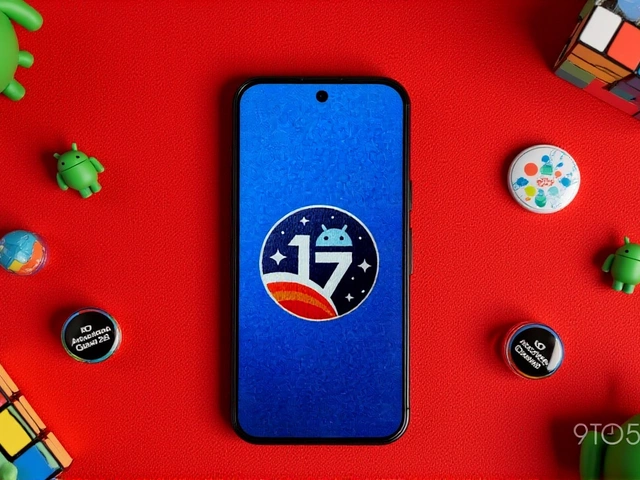
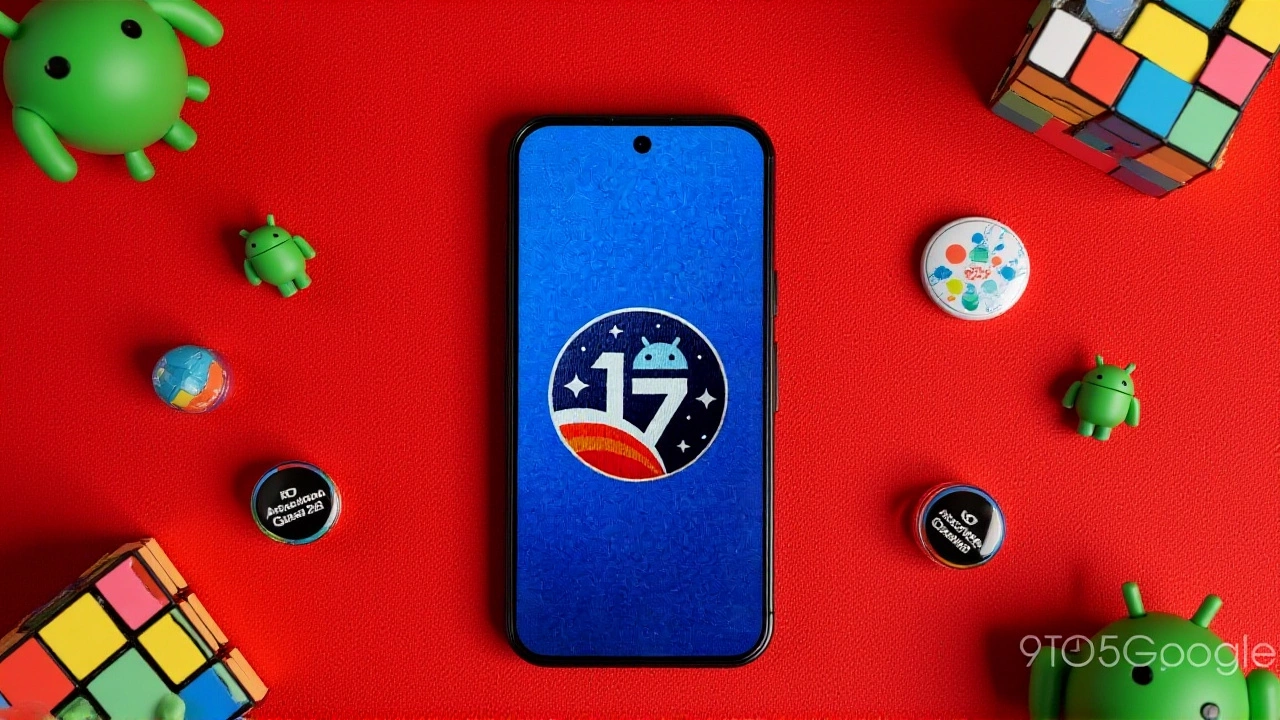
The traditional tap-to-reveal logo is replaced by a "connect the dots" puzzle. Once solved, it reveals the Android 17 logo. Holding the logo still launches the familiar spaceship game, maintaining continuity with previous versions while adding a new interactive element.